Set up a Nerf party on your TV in three steps How it works
The TV runs the game. Your phone is the remote. Watch the tour →
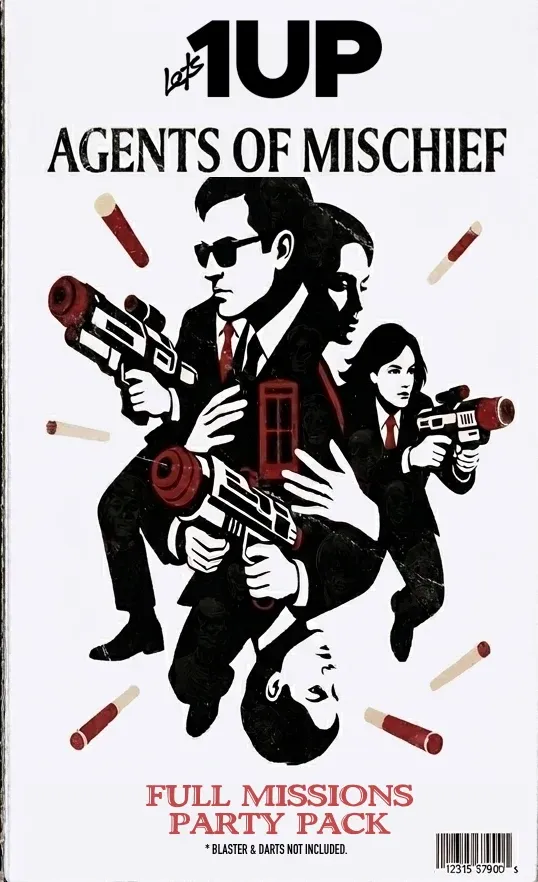
Agents of Mischief
Foam Blaster Party Kit
$7.99USD
Party Pass good for 30 days.
Bring your blasters and darts. Here’s the screen setup you’ll need:
- The big screen. A TV or projector. 1280×720 or better.
- The browser. A laptop with Chrome or Edge 111+, or Safari 16.4+, on the same Wi-Fi. Plug it in with HDMI.
- The remote. iPhone 8 or newer, or Android 8 and up. Scan the code and it pairs. (optional)
Ages 6+ · 4–16 players · 45–60 min, or longer with repeat rounds
Buy Now!$7.99*Blasters and darts sold separately.
Setting up.
Should take less than 5 minutes.
- Put it on the big screen
On your laptop, open
lets1up.com/eventin a browser, then connect it to your TV or projector. Enter your access code. - Scan with your phone
Scan the TV’s QR code to use your phone as a remote. You can also control everything from the laptop.
- Add your players
Enter their names. You can add people later, because someone always shows up late.
What if the Wi-Fi drops?
Once loaded, the TV keeps the clock running and saves the scores. Use the laptop controls until your phone reconnects.
Ready for the first round?
Buy Now!$7.99Running the party.
- Pick a game
Choose a game or hit Random. The TV reads the rules to the room.
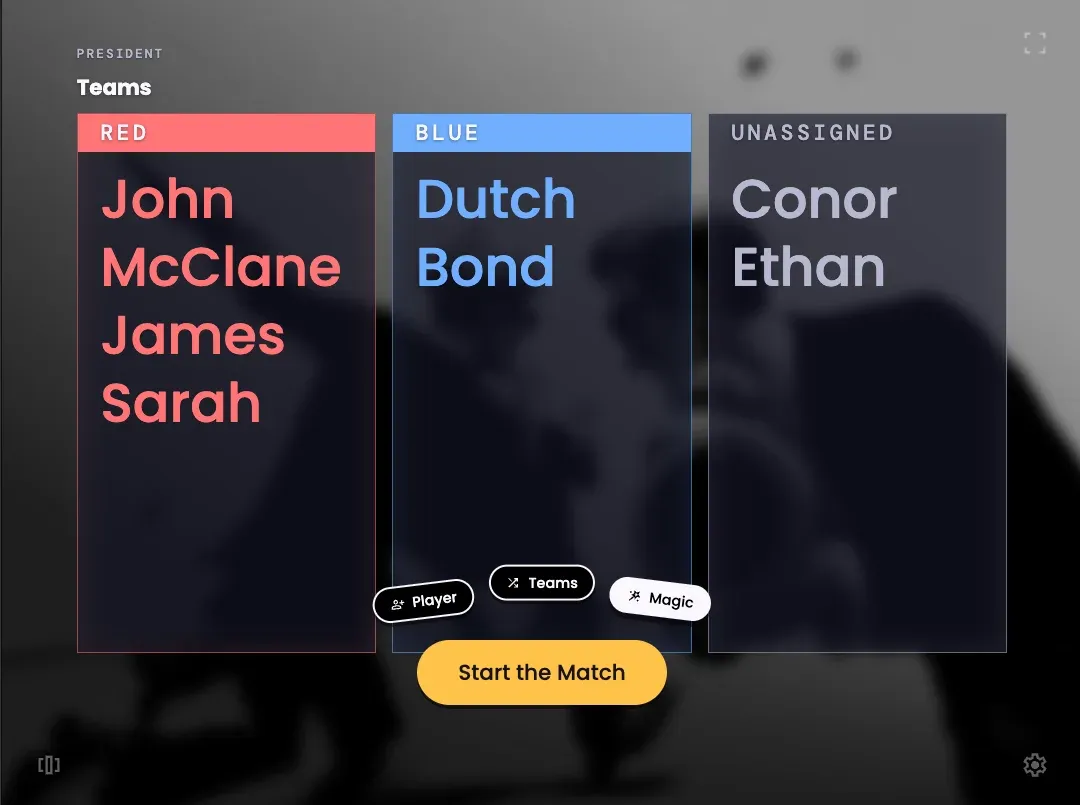
Let the TV draw random teams, or assign them yourself.
- Adjust the clock
Add or remove a minute during play. The TV announces the change.
- Call a hit
Tap a player to mark them out. The TV updates the game.
- Send a cheer
Send a sound effect or reaction to the TV from your phone.
Finish with the awards.
Bring everyone back to the screen for the winners and medals.
Kyle takes Chaos Agent, the confetti drops and the TV calls The End. Watch the finale →
Then cake, probably.
Get the games ready.
Your purchase includes all 6 games and 30 days of access from purchase.
Buy Now!$7.99No subscription · No guest downloads